Slash Commands
Use slash commands to trigger actions provided by your current agent.
Agent Support
Slash commands are agent-specific. Not all agents support slash commands.
TIP
If the input field placeholder shows / for commands, the current agent supports slash commands. If not, the agent does not support this feature.
Using Slash Commands
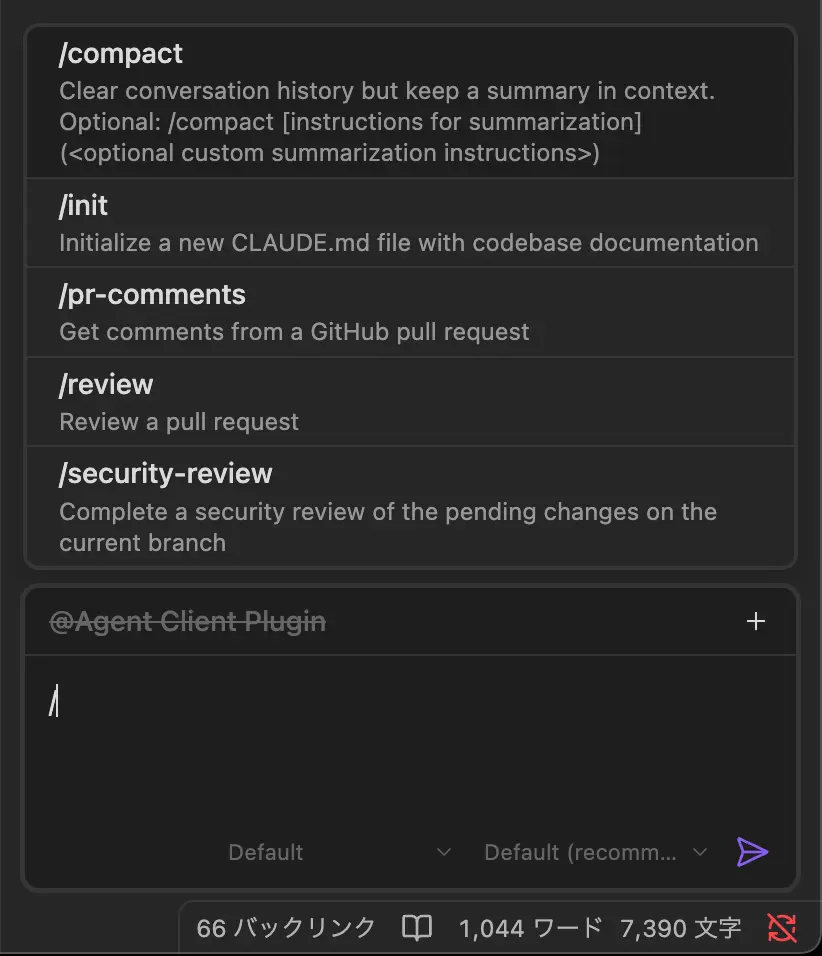
- Type
/in the input field - A dropdown appears showing available commands
- Select a command or continue typing to filter
- Press
Enterto execute the command
Available Commands
Available commands are determined entirely by the agent—not by this plugin. Each agent provides its own set of commands.
For example, Claude Code offers commands like /compact, /init, and /review, while other agents may have completely different commands or none at all.
Refer to your agent's documentation for a full list of supported commands.
Command Arguments
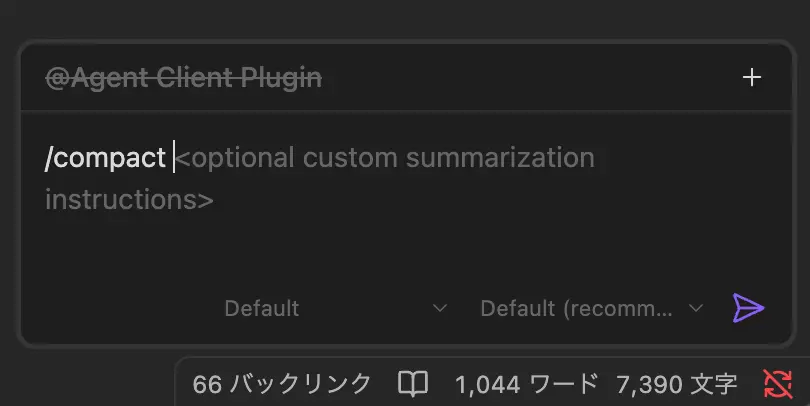
Some commands accept arguments:
/command keywordType the command followed by a space and your arguments.