Model Selection
Switch between different AI models to optimize for speed, capability, or cost.
What are Models?
Models are different versions of the AI with varying capabilities:
- Larger models: More capable, better reasoning, slower, higher cost
- Smaller models: Faster responses, lower cost, good for simpler tasks
Changing Models
- Open the chat panel
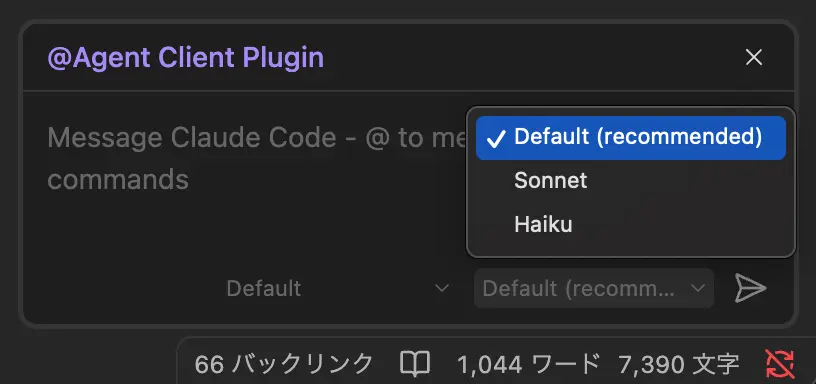
- Look for the model dropdown below the input field
- Select the desired model from the available options
TIP
Available models depend on the active agent and your subscription/API plan.
Model Persistence
The selected model persists for the current session. Your preference is remembered across sessions.
Cost Considerations
When using API keys, different models have different pricing. Check your provider's pricing page for current rates.